






While checked SRM Logs, you saw below attached error. It seems related to SSL certificated which has been changed during vCenter reinstallation and not been mapped with SRM.
Error: A certificate in the host's chain is based on an untrusted root.

- Login to VMware SRM Server. Open Add/Remove Program. Select VMware vCenter Site Recovery Manager, and Click on Change.

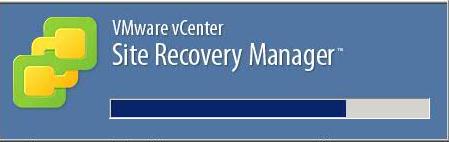
- It will prompt below progress screen.
- Installation wizard will open. Click Next.

- Select Modify and Click Next.

- Provide information as shown in below figure. Click Next.

- Security Warning will appear on screen. Click Yes.

- Select Use Existing Certificate. Click Next.

- Provide Site Recovery Database credentials. Click Next.

- Select Use existing databse. Click Next.

- Click Install.

- Reparing certificate wizard is in progress. Once completed, Click Next.

- Click Finish.

When above tasks have been completed, check VMware Site Recovery Manager Service in SRM Servers. It should be in Started mode. Once verified, Login to Virtual Center> SRM > Connect both sites. It should be working.




VMware Insight

