Configure Backup Jobs for Virtual Machine using Vembu BDR
In earlier posts we got to know about Installation and Configuration of Vembu BDR. Let's take insight how to Configure a Backup Job to take backup of Virtual Machines.
Step by Step:-
- Open Vembu BDR Management Console.
- Go to Backup Menu and Click VMware vSphere.
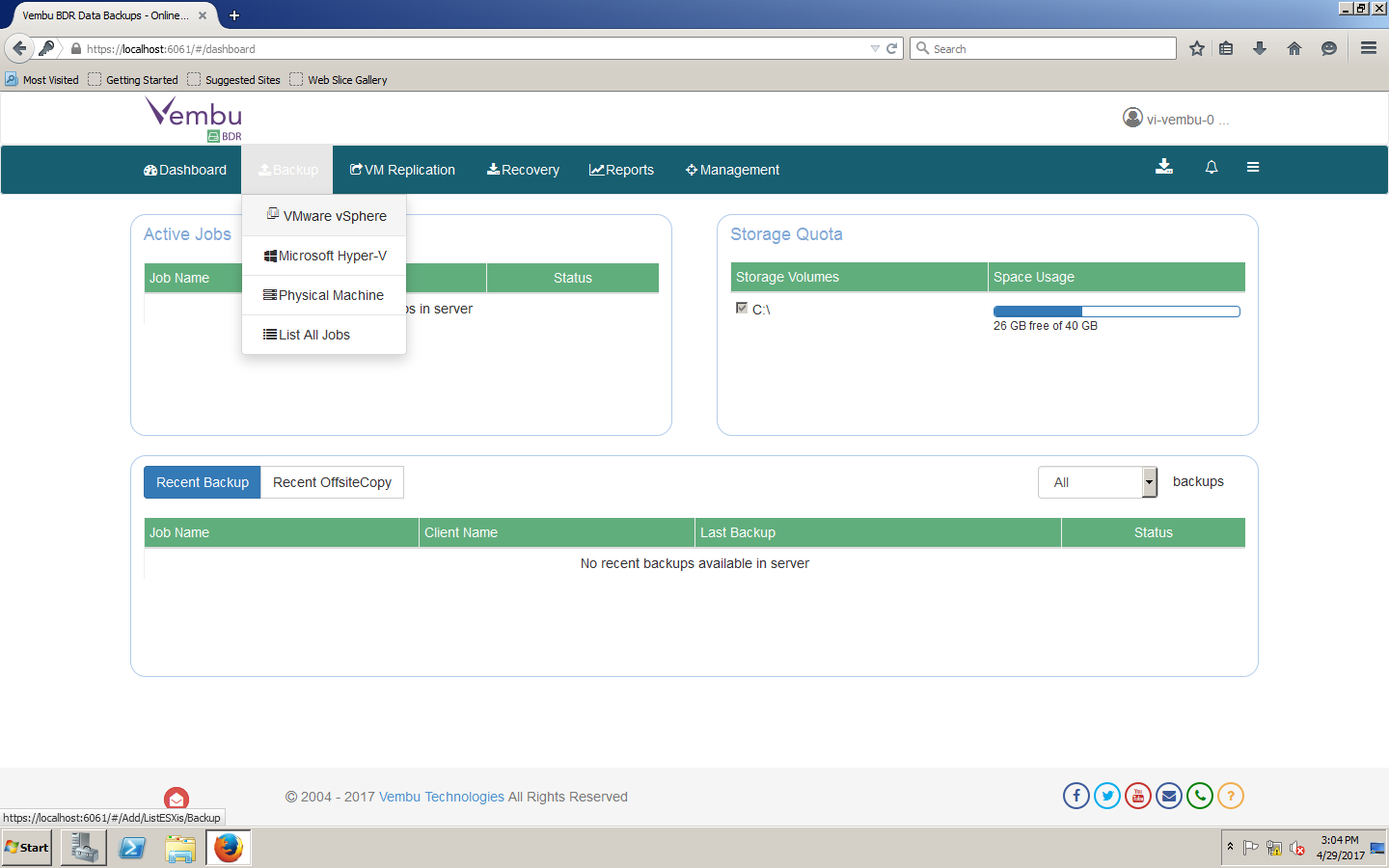
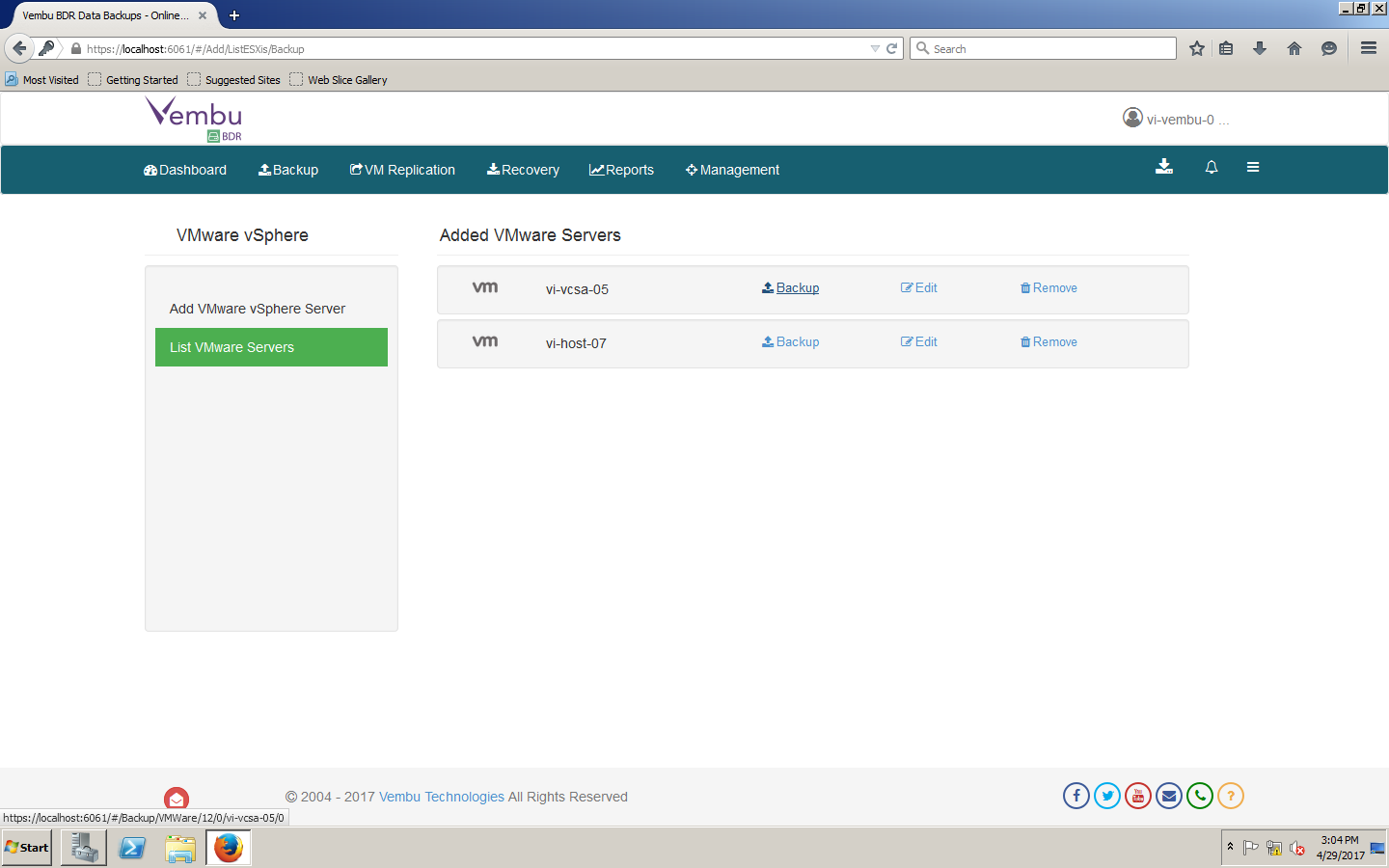
- It will list out the Virtual Center Name which we added in last article.
- Select VMware vSphere Environment and Click on Backup.
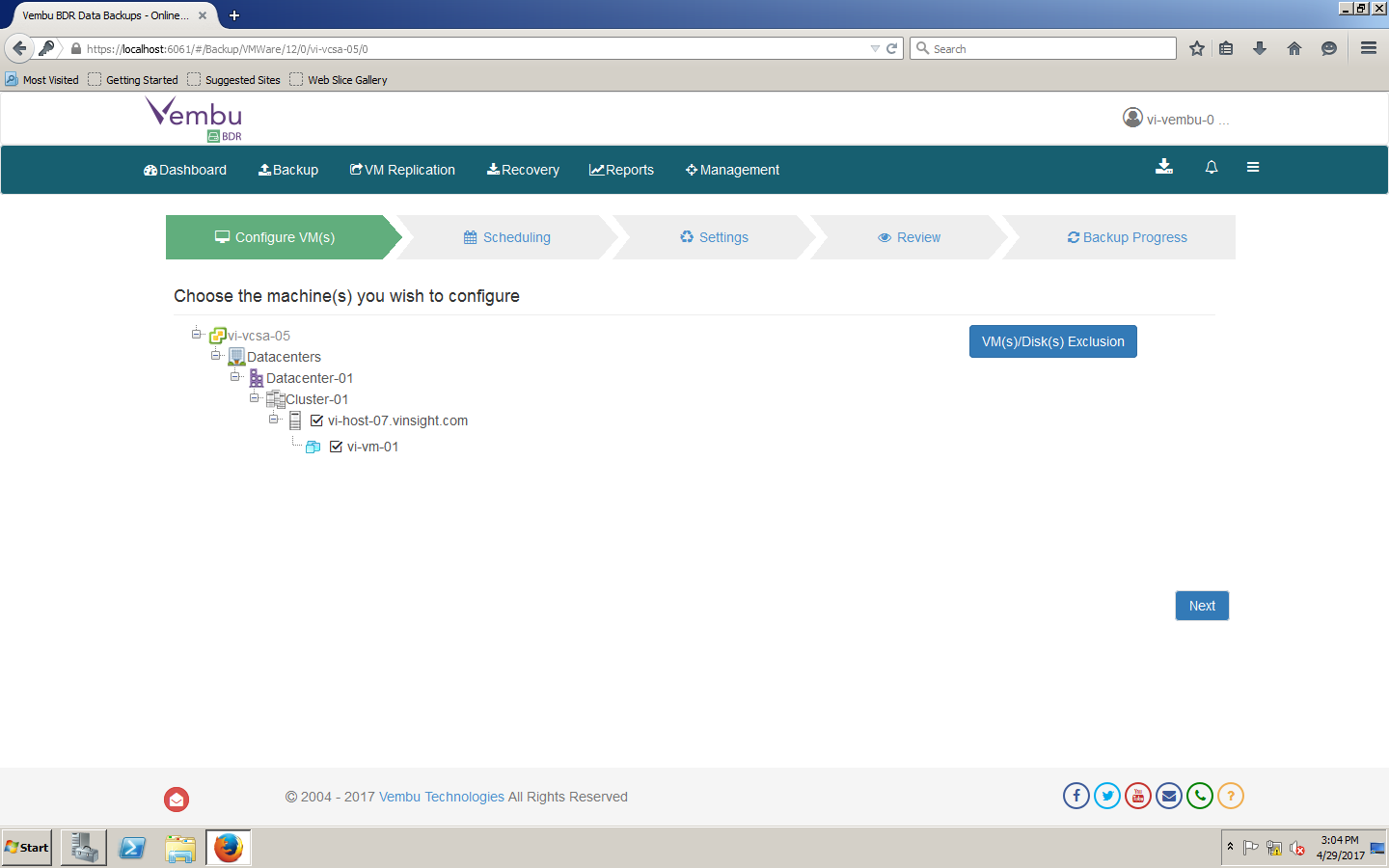
- Backup Configuration Wizard will initiate.
- It will show the hierarchy of Virutal Center Environment include all ESXi Hosts and Virtual Machines.
- Select Virtual Machines you would like to backup and Click Next.
- Configure Schedule and Click Next.
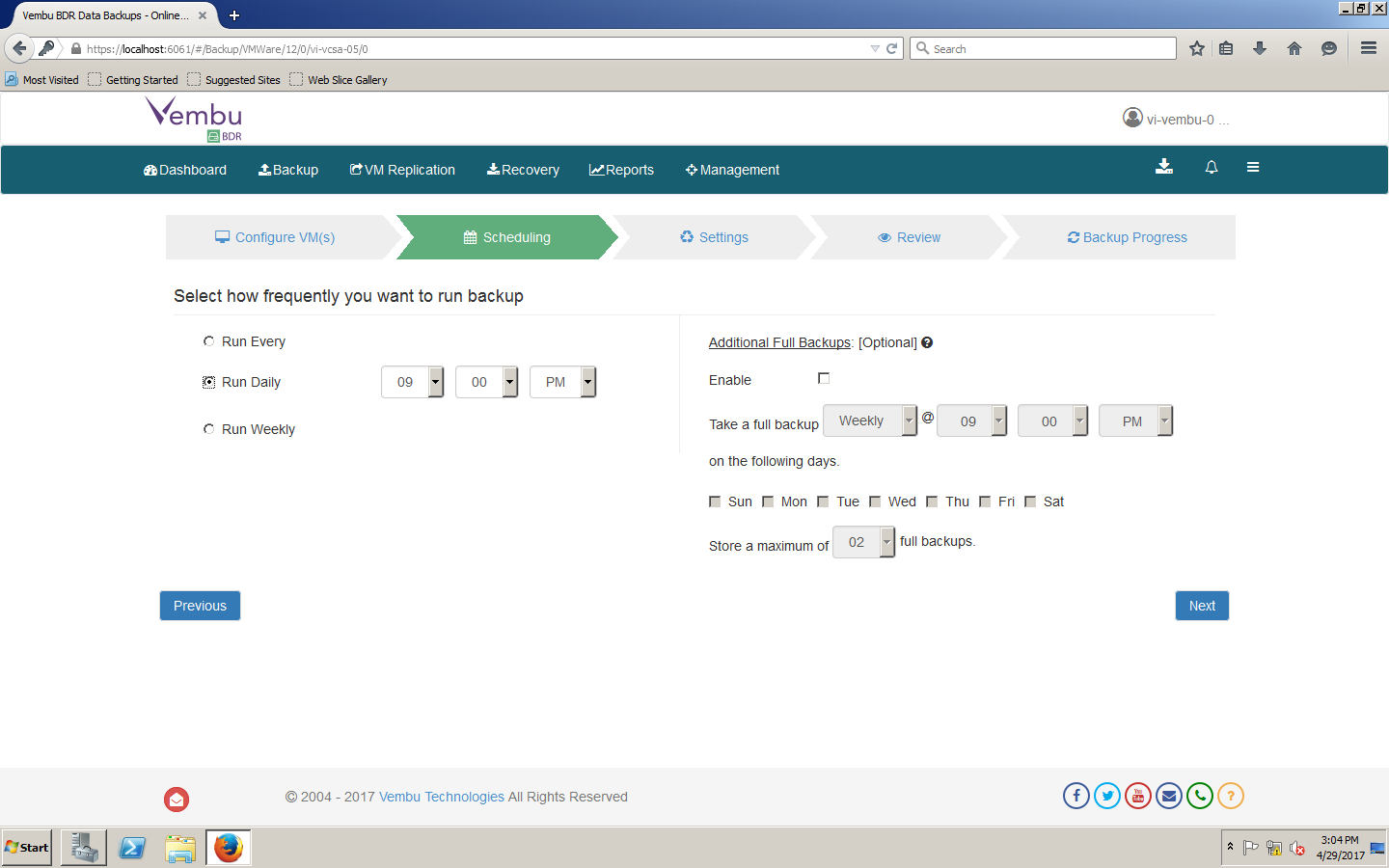
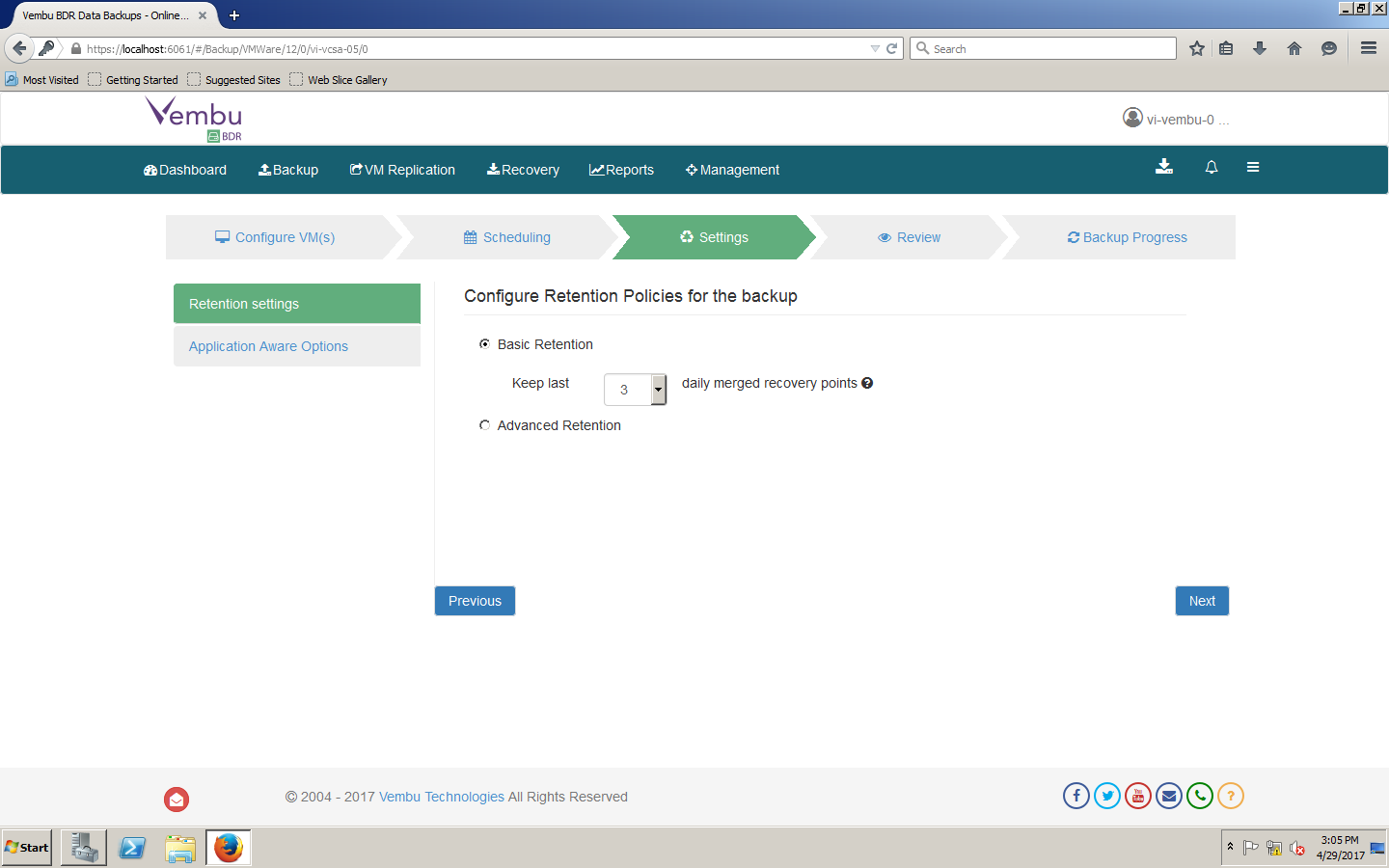
- Choose Retention Settings as per your Policy.
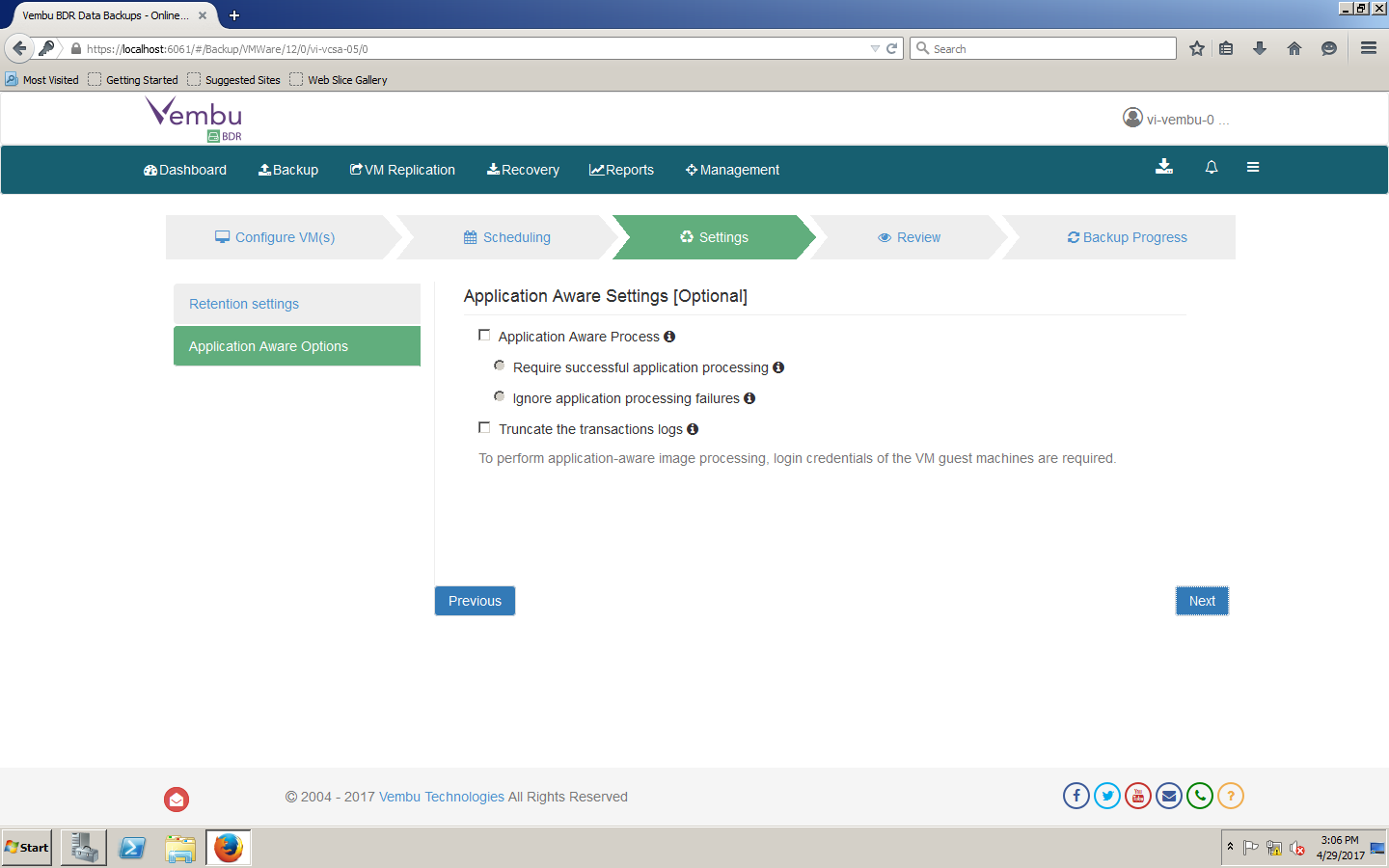
- Select Application Awareness if required or leave it unticked.
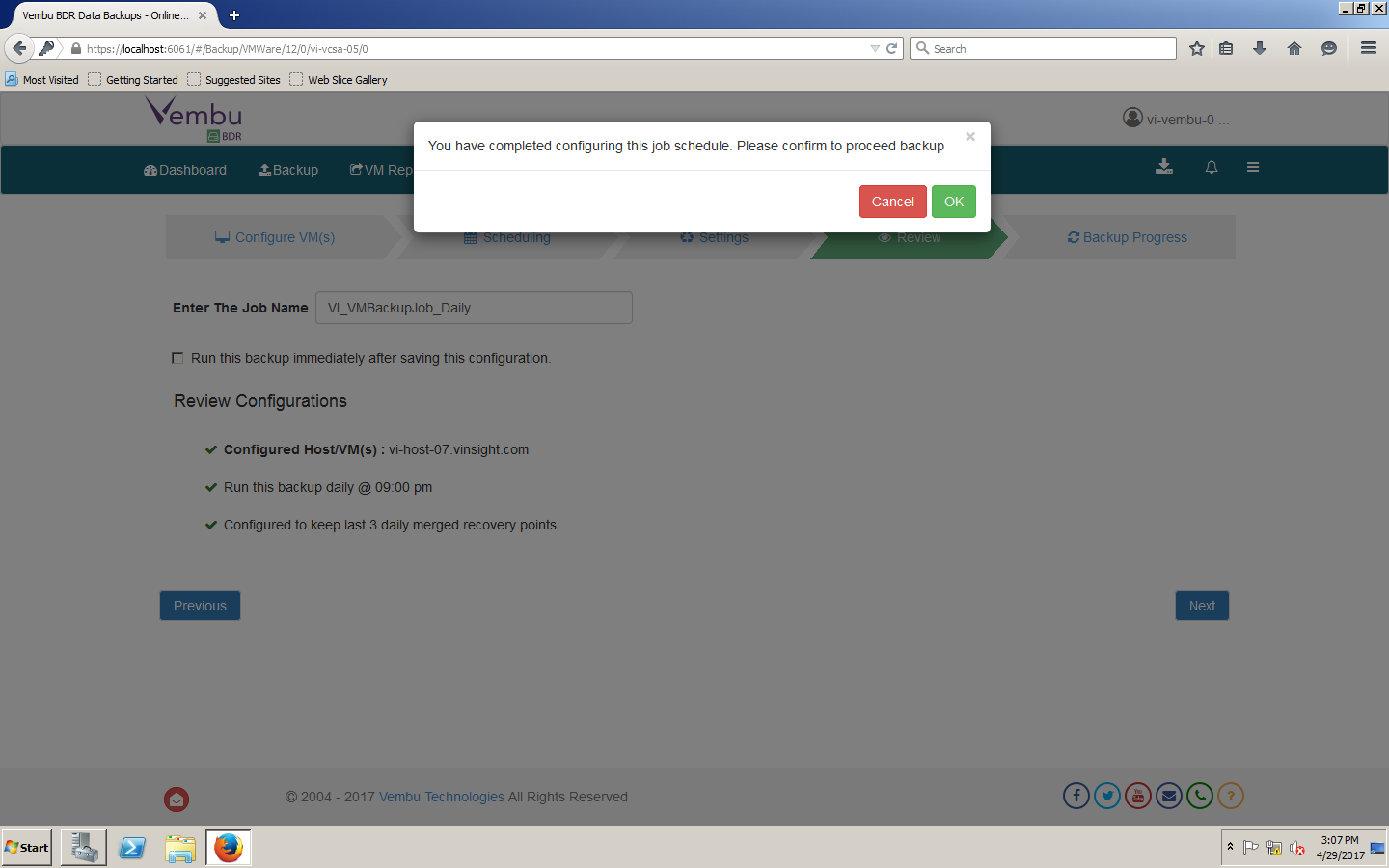
- Enter Backup Job Name and Click Next.
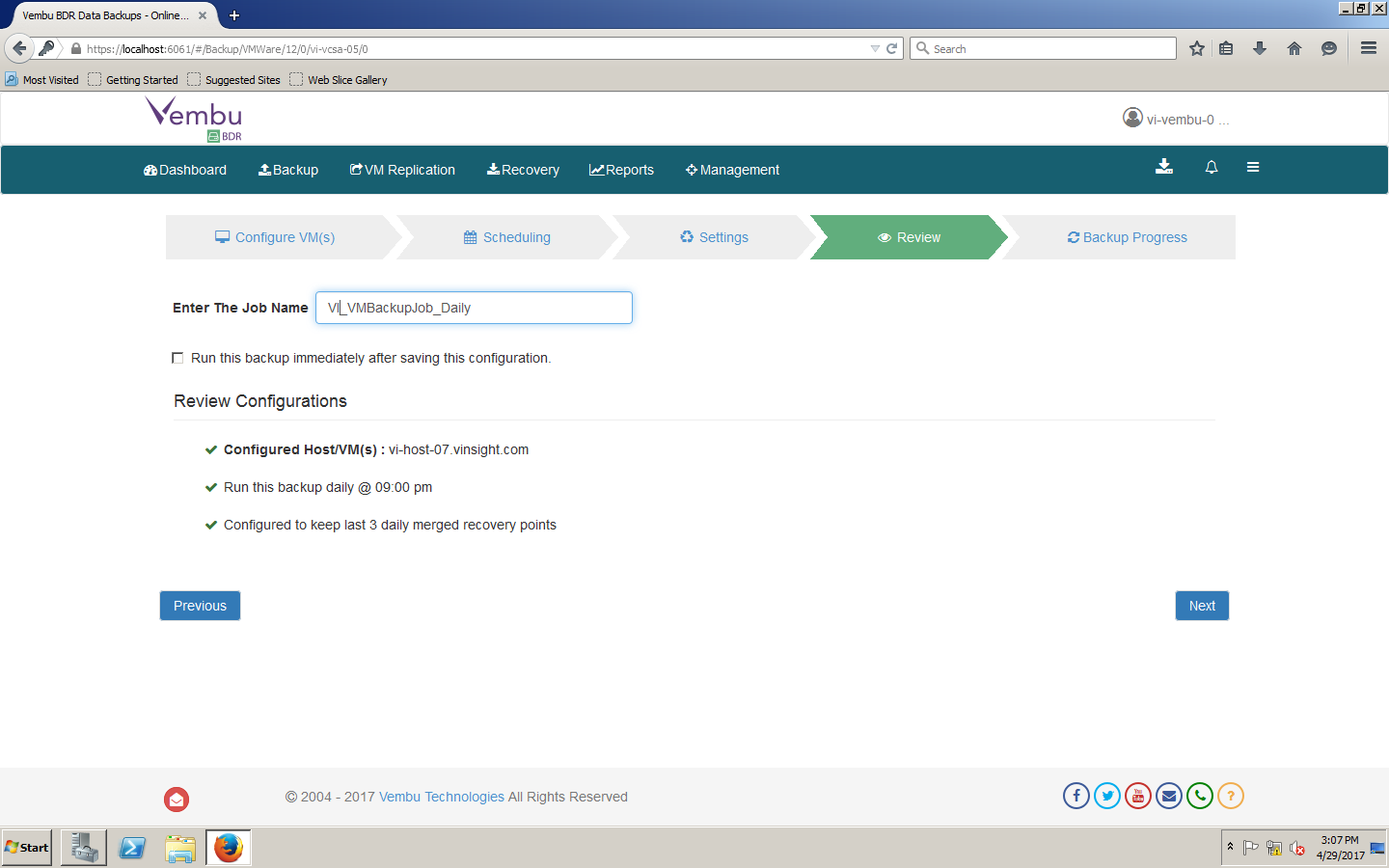
- Backup Job Configuration and has been Scheduled.
- Proceed further to initiated the backup if you want to run before scheduled window.
In Next Articles, we will go through with execution of Backup Jobs and then Restore.